A workshop format for AI + education
AI makes building things easy. What does that mean for
Find out for yourself in an AI Flash Lab, a two to three hour experiential session for educators and school leaders. You test your own hunches through structured experimentation. Then you compare notes with the people around you, so everyone levels up. You leave with a clearer line between what AI brings and what is uniquely human.
What you do
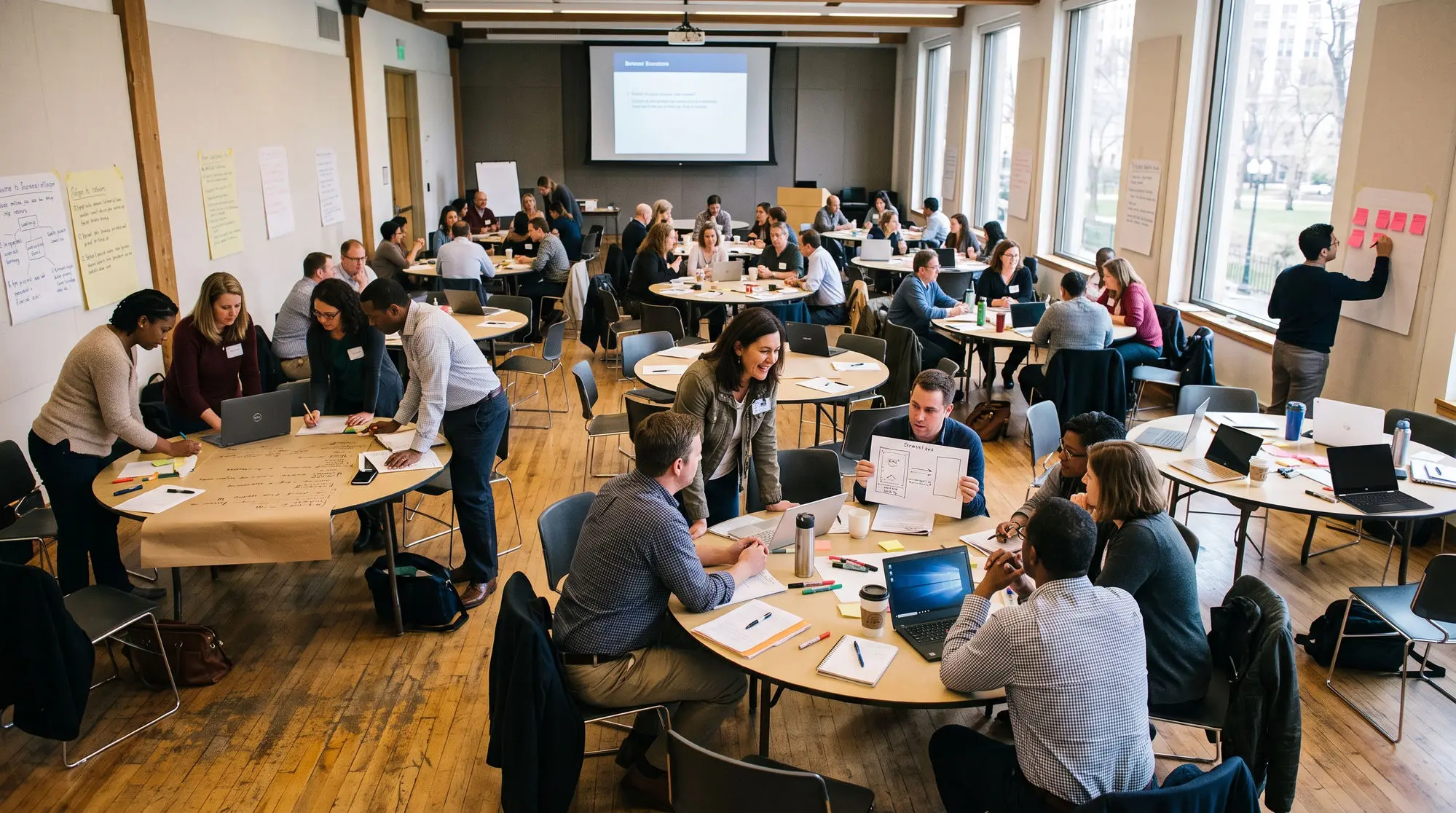
You run experiments, and so does everyone around you.
You bring a challenge from your own work. You try boosts against it. Some boosts use AI. Some use the people at your table. You watch which ones move your thinking, and you say so out loud.
It starts in your world
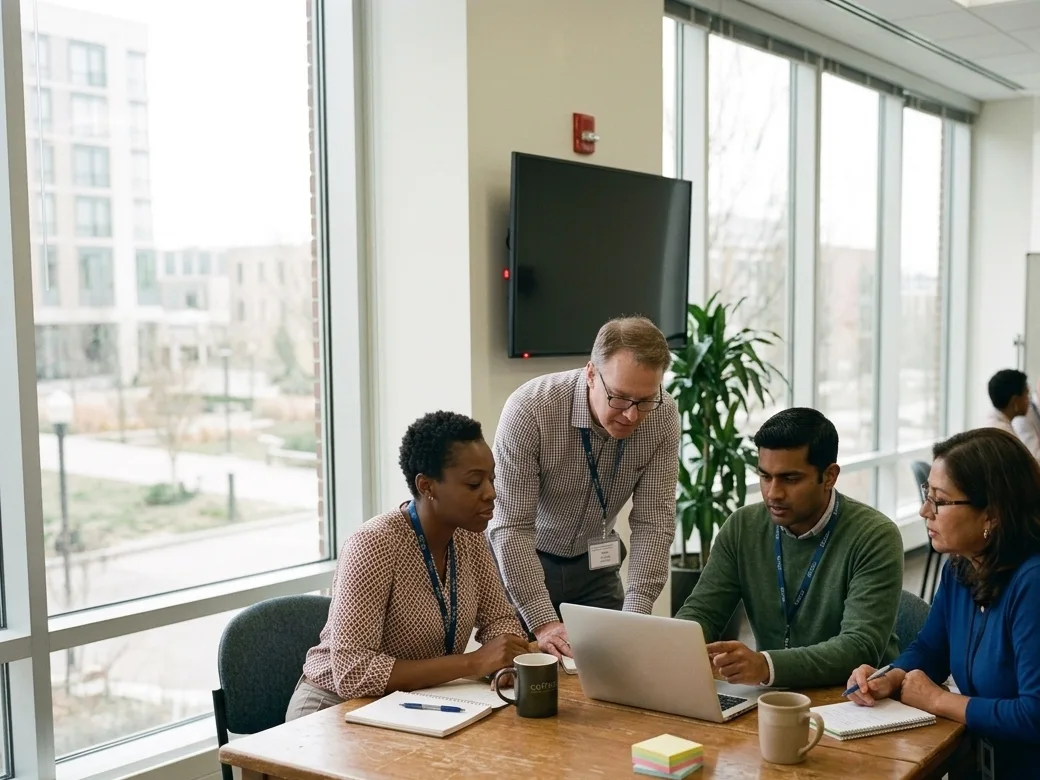
You work on something from your own classroom, team or organization. We do not hand you a case study.

You test both kinds
You choose which boosts to run. You find out where AI helps you, and where the people at your table help more.
You compare notes
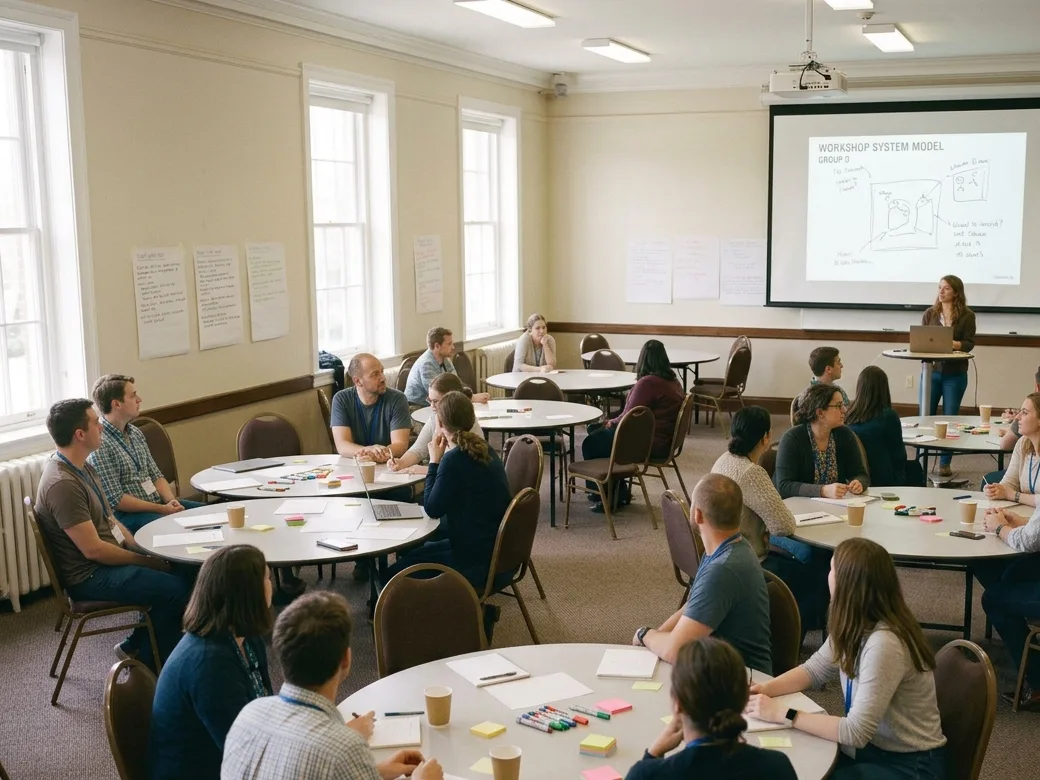
Other teams test different boosts on different problems. At the end the room pools what it found.
Who this is for
People who want a better handle on the role of AI, and on what is worth making.
You do not need a technical background. You need a challenge you care about and a willingness to test your own hunches in front of other people.
Classroom teachers, instructional coaches, curriculum leads.
School, district, nonprofit and program leaders deciding where AI fits.
People who run PD, teacher prep programs, and district training.
The three roles
You take on three roles.
Each role changes what you are experimenting with.
Name challenges in your world
Before you open a tool, you name what is hard in your own context, and who it is hard for. You write a problem statement, run boosts against it, then write it again and say what changed.
Try out solutions with AI in the mix
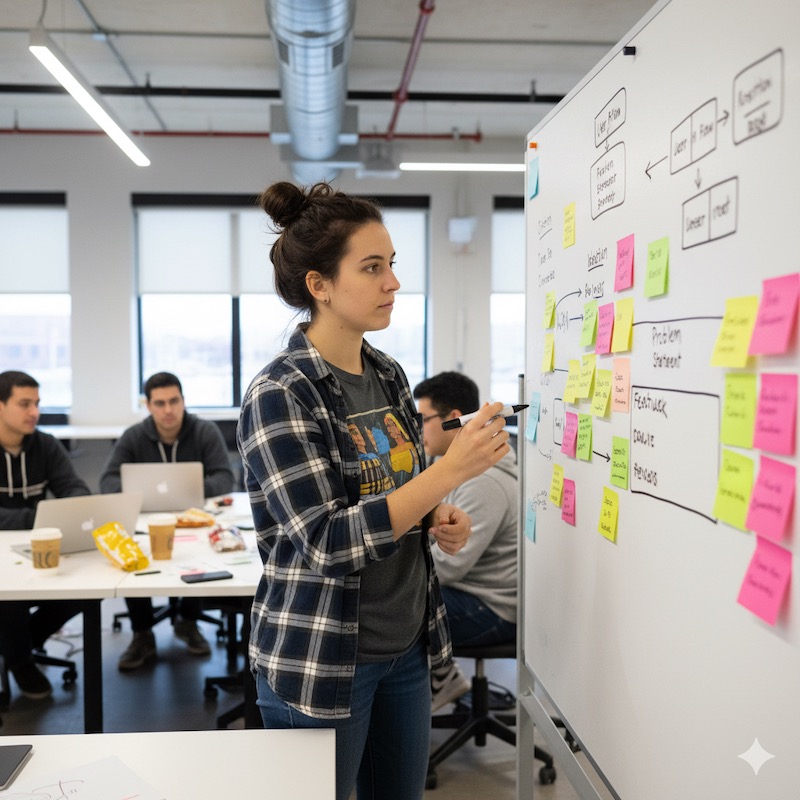
You make a first guess at what to build, then pick a form your team can finish in the time you have. The work is choosing, boost by boost, what you hand to AI and what stays with your team.

Report what worked, what didn't, and why
You tell the room what you hoped for, what happened, and what you would change. Other teams do the same. You compare notes and level up what the whole room understands.
What you leave with
Five things you take away.
Written twice, before and after your boosts, so you can see your own thinking move.
A working prototype, a paper one, or a performed one. Posted to the room's gallery.
Which boosts moved your thinking, which ones wasted your time, and what that means for your own work.
What you hoped, what happened, and what you would change. Yours to print or export.
The other experimenters in the room, who now know what you are working on.
What we hold to
Three principles the format is built on.
Human first, AI second
Teams talk before they prompt. Every phase opens with people deciding what they think, then reaches for a tool. Boosts are offered, never required.
Choose where AI helps
You decide out loud which parts of the work you hand to AI, and which parts stay with people. Prototypes stay rough on purpose. A sketch that gets a real reaction teaches you more than a polished thing nobody tried.
Findings, not verdicts
The session ends with what you found, including the parts that did not work. Nobody scores anybody. Teams get to push back on the record before it is final.
Access
Two ways to run one.
Run it yourself with the free kit, or bring us in to train your facilitators and unlock the companion app.
Run it yourself
The slide deck, the run of show, participant handouts, and a starter set of boosts. We pick the starter set so a room can navigate it without much help from you. Yours to adapt, at no cost.
Training and the companion app
We train your facilitators. You also get the AI companion app, which runs the process alongside you as you deliver it to your own community. Training groups get the full boost library, and first call on which new boosts we build next.
What does it cost? Depends. The kit is free and stays free. Training and the companion app are priced per group, and it changes with the size of the group and how much of it you want us to run. Tell us about your group in this short form and we will work it out with you.
Who we are
Who runs this.
The Accelerator Studio
AI Flash Lab comes out of the Stanford Accelerator for Learning. The Accelerator Studio(link is external) helps early-stage education projects lift off, and grows communities around early-stage work that aims to change learning.
The AI Tinkery
An AI Flash Lab activates a community. The AI Tinkery(link is external) and its toolkit keep that community going, with a space and a set of activities for educators to keep tinkering together long after the lab ends.
You've been in one. Now run one.
The slide deck, role prompts, boost cards, participant handouts and the run of show are free and yours to edit. Keep the slide deck open during the session and work through it with the room.